Searching
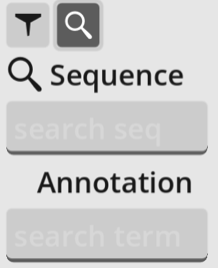
The search panel can be opened by clicking the magnifying glass search icon on the left.
Search for sequence
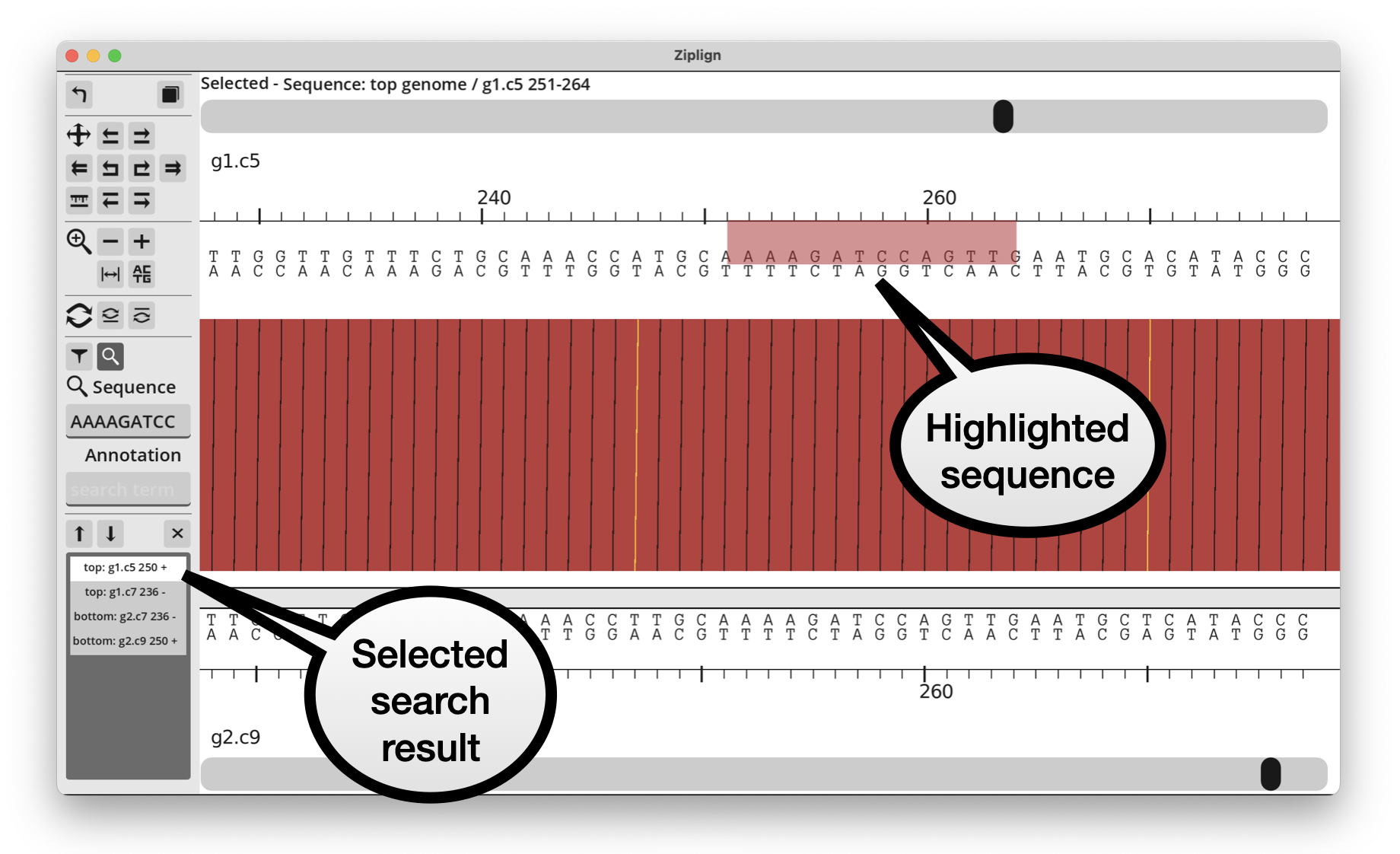
Search for a nucleotide sequence by putting it into the sequence search box and pressing enter. This finds exact sequence matches on either the forward or reverse strands of either genome, and is case-insensitive. The matches will be listed in the panel at the bottom. Click on a match to highlight it and jump so that it starts in the middle of the screen. Use the up/down buttons to scroll through the matches.
Sequence can be pasted into the search box in FASTA format. Ziplign will deal with this by removing the header line. If multi-FASTA is pasted, only the first record will be used and all other ones ignored. This means you can highlight a region (see Selecting/copying a region), copy it and then paste into the search box. But pasting into another application will still paste the full FASTA format.
Search for annotation
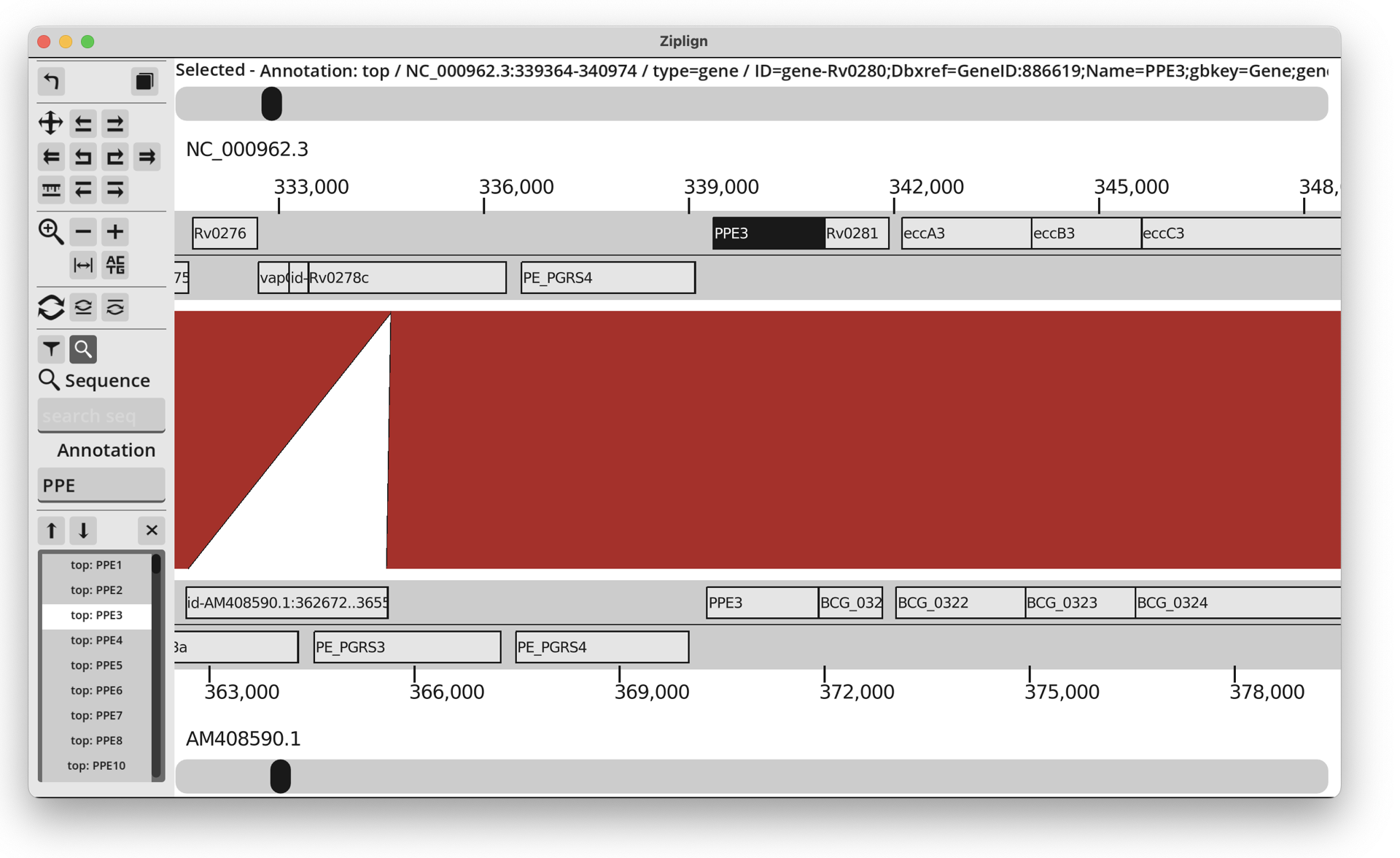
Search for annotation features by typing a search term into the annotation search box and pressing enter. This will find all annotation features that contain the search string anywhere in their metadata. It is a case-insensitive search. For example, searching for “ppe” in the M. tuberculosis genome will return all of the PPE genes: PPE1, PPE2, … etc.
In the same way as sequence search, the results will be listed in the panel at the bottom. Selecting one of the results will highlight that feature and jump the view so that the feature starts in the middle of the screen.