Contig editing
Ziplign currently supports basic editing: contigs can be reverse complemented or moved.
To reverse complement every contig in either genome, use the buttons in the left panel.
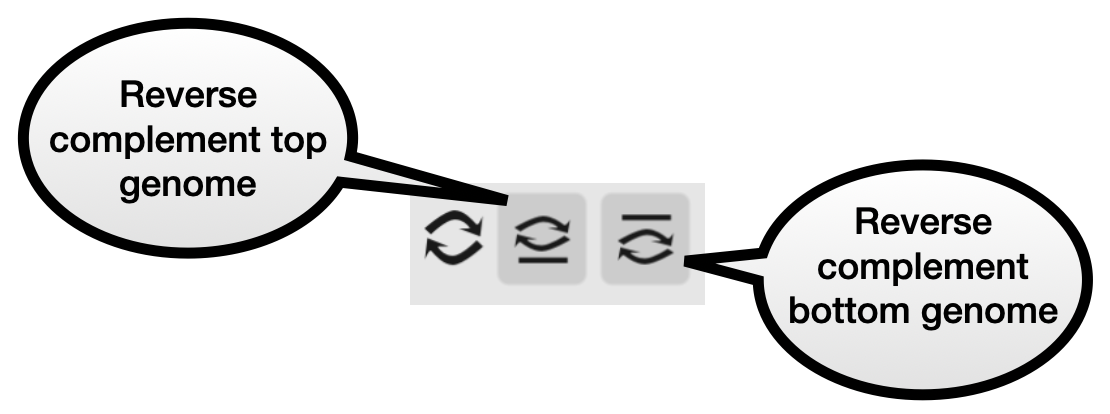
Note: this could take a few seconds, because it has to process every blast alignment (to the base-pair level), reversing them all.
Move or reverse complement a contig
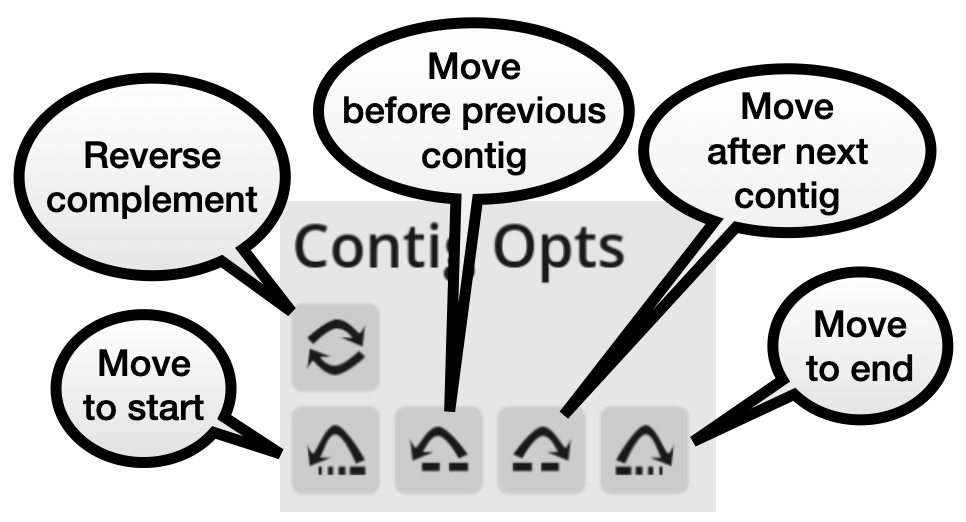
Select a contig by left-clicking on it. You will see a message at the top of the window similar to “Selected - contig: top genome / contig1”. At the bottom of the left panel, the contig options will appear. There are buttons to move the contig, or reverse complement it.